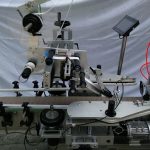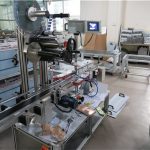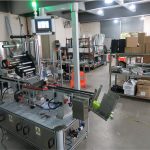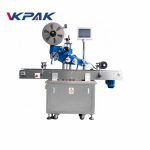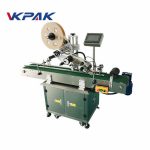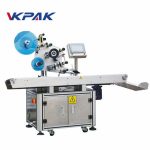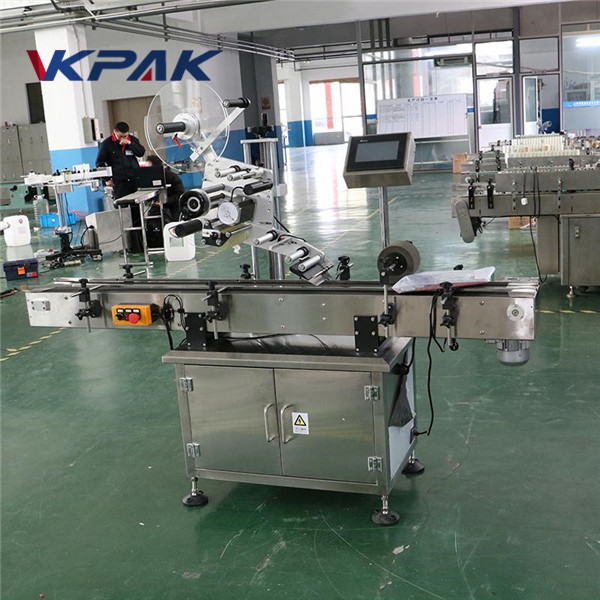
Detailed Product Description
| Type: | Labeling Machine | Labeling Speed: | 20-200pcs/min |
|---|---|---|---|
| Label Length: | 25-300mm | Power Supply: | 220V 50/60HZ 0.75KW |
| Machine Size: | 1600(L)×550(W)×1600(H)mm | Height Of Label: | 15-110mm |
| Height Of Object: | 30-200mm | Width Of Object: | 20-200mm |
| Key Word: | Table Top | Key Brand: | DALTE |
| Options: | Transparent Label Monitor | Options2: | Coding Machine (max. 300pcs/minute) |
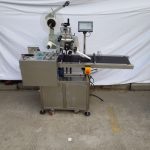
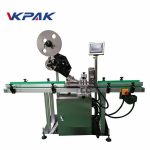
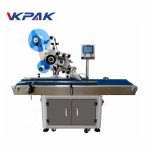
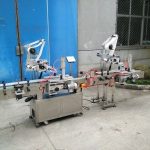
1000mm×450mm size flat bags Automatic Flat Surface Label Applicator for top side
Application:
It’s applicable for all kinds of flat objects such as food, chemical, pharmaceutical, cosmetic, stationery, CD disc, carton, box and various oil kettles etc. It’s for flat side labeling.
Technical Parameters
| Name | Automatic Flat Surface Label Applicator with paging machine and output tray round coffee plate |
| Labeling Speed | 20-200pcs/min |
| Height of Object | 30-200mm |
| Thickness of Object | 20-120mm |
| Height of Label | 15-110mm |
| Length of Label | 25-300mm |
| Label Roller Inside Diameter | 76mm |
| Label Roller Outside Diameter | 300mm |
| Accuracy of Labeling | ±1mm |
| Power Supply | 220V 50/60HZ 0.75KW |
| Gas Consumption of Printer | 5Kg/m2(if add coding machine) |
| Size of Labeling Machine | 1600(L)×550(W)×1600(H)mm |
| Weight of Labeling Machine | 150kg |
Specification and characteristic
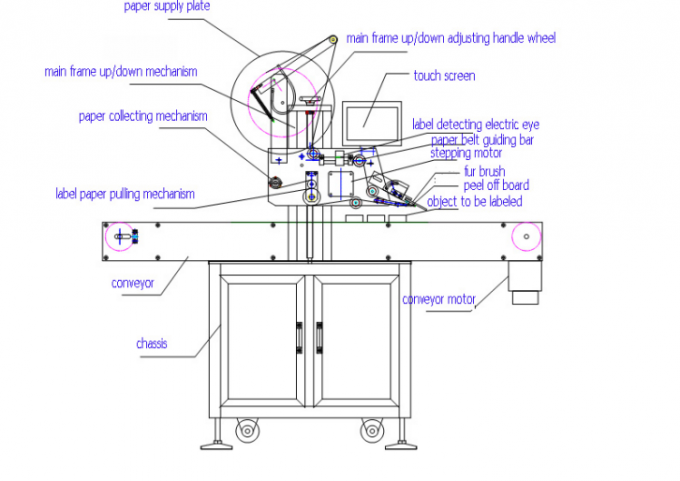
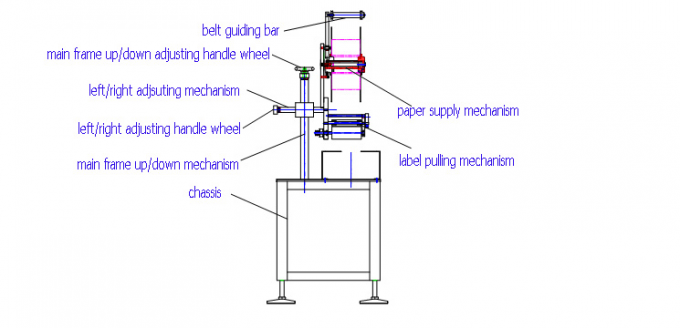
belt guiding bar
label pushing mechanism
paper collecting plate
PLC
touch screen
Main part:
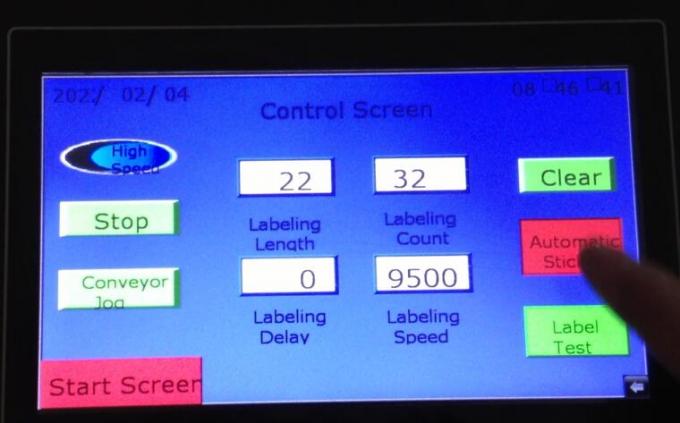
Button/menu instructions of touch screen:
1. start :conveyor control button, press once to start the conveyor, again to stop;
2. high/low speed:shifting button, press once means high speed, again low speed;
3. labeling :press once to label , again to stop
4. test: press each time to check single label length, press once output one label
5. label length: figure modify button, after press test button, if the labeling position is not good, you are expected to modify this figure till ideal effect;
6. labeling time delay: figure modify button, when the electric eye light on the bottle, start to take account the time delay, modify this figure to adjust labeling delay time.
7. labeling speed:show current labeling speed, modify this figure to adjust labeling output speed;
8. label counting:figure modify button, take account for labeling amount.;
9. Zero clear; press to reset the labeling counting No.
10. back : press to go back to main menu
11. engineering : this menu is for machine adjusting manually.
12. start menu: press to go back to welcome menu
Tag: flat label applicator, box labeling machine
Related Products
 Plc Famous Japanese Mitsubishi Brand Flat Surface Label Applicator Machine
- High Speed Top Label Applicator Equipment For Flat Surfaces
- Top Flat Label Applicator For Flat Side / Label From Top To Side
- Automatic Label Applicators Machine Flat Surface For Egg Tray
- Hand Bag Paper Flat Surface Label Applicator Servo Motor
- Intelligent Control Flat Surface Label Applicator Equipment For Scrach Card
- Electric Automatic Flat Surface Label Applicator With Collection Worktable
- 20-200mm Width Flat Surface Label Applicator With Top And Back Side Labeler
- Omron Detect Magic Eye Automatic Flat Surface Label Applicator Machine
- Poly Bag Flat Surface Label Applicator Machine